Keeping channel settings, alarm outputs and serial communication consistent when replacing Yokogawa DX1012-3-4-2-A3/C3 in a recording panel
Preserve the recorded process context
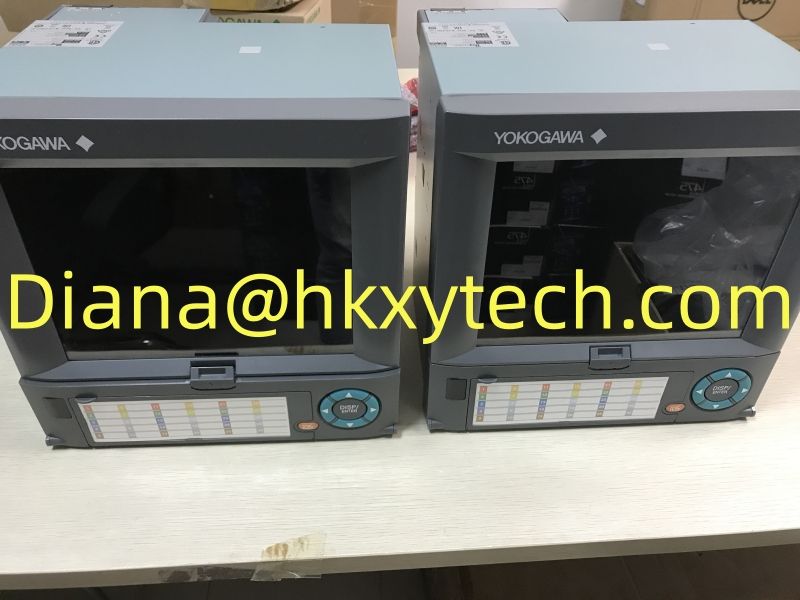
Yokogawa DX1012-3-4-2-A3/C3 is a DX1012 paperless recorder configuration. Before removing an existing unit, save the channel setup, measurement ranges and recording configuration so that a replacement Yokogawa DX1012-3-4-2-A3/C3 can be checked against the historical trend requirements.
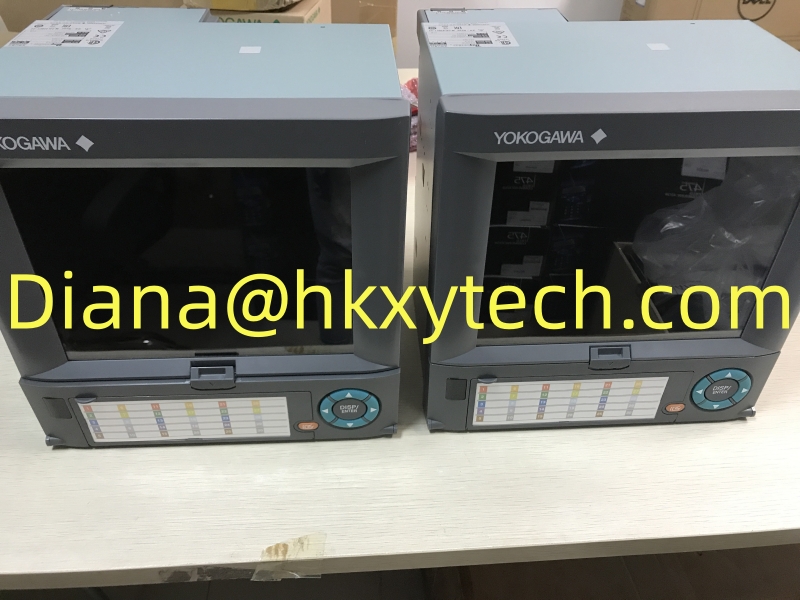
Reference image supplied for Yokogawa DX1012-3-4-2-A3/C3. This shared image may show other equipment; it does not identify the exact ordered configuration.
Make the channel schedule the starting point
A recorder collects information from the connected process signals, so the channel schedule is a useful starting point for a replacement. Record the input assigned to each channel, its engineering units, range and label. Also identify which channels are used for operating trends and which are associated with particular alarms or records.
For Yokogawa DX1012-3-4-2-A3/C3, a correct channel count does not by itself establish that the configuration matches the panel. Compare the saved setup with the actual wiring and sensor schedule. If a channel has been repurposed during earlier maintenance, update the project record so the incoming recorder is not configured from an obsolete drawing.
Preserve files and configuration before removing the old recorder
Plan how the required records and settings will be retained before maintenance begins. Identify which files need to remain available to the plant and how the replacement configuration will be checked. The media configuration, saved setup and recording requirements should be considered together, particularly where a recorder supports an established production record.
For Yokogawa DX1012-3-4-2-A3/C3, ask whether the offered supply includes the expected removable media and other required accessories. Keep the final configuration backup with the equipment record after commissioning. A related recorder with a similar display should only be considered after its channels, options, wiring and data requirements have been compared with the actual installation.
Channels are only the beginning
The twelve-channel identity helps distinguish Yokogawa DX1012-3-4-2-A3/C3 from smaller DX1000 variants, but each channel still needs the correct input and engineering units. Compare those settings for Yokogawa DX1012-3-4-2-A3/C3 with the panel wiring and sensor schedule before accepting a restored configuration.
Recorder channels and options
| Characteristic | Details and selection notes |
|---|---|
| DX1012 input capacity | 12 channels |
| Memory suffix -3 | 400 MB standard internal memory |
| Media suffix -4 | CF card media configuration |
| Option /A3 | 6 alarm relay outputs |
| Option /C3 | RS-422/485 communication interface |
Treat recording and alarm functions as separate requirements
The trend record and the alarm outputs serve different purposes. A project may need continuity of recorded data while also relying on relay contacts for an external indication or control condition. Identify those requirements separately so that neither is overlooked when comparing recorder options.
When specifying Yokogawa DX1012-3-4-2-A3/C3, include the use of the alarm outputs and the relevant settings in the replacement plan. The presence of an alarm option does not establish how its contacts are wired in the panel. Confirm the actual arrangement and the approved behavior of the receiving equipment before restoring the recorder to its operating role.
Alarm and communication options
The /A3 and /C3 options listed for Yokogawa DX1012-3-4-2-A3/C3 address alarm relays and serial communication respectively. Review the actual terminal usage and network settings when exchanging Yokogawa DX1012-3-4-2-A3/C3, especially where alarm contacts operate external indications or the recorder supplies data to another system.
Data continuity during replacement
For Yokogawa DX1012-3-4-2-A3/C3, include the required removable media and saved configuration in the service plan. An FX-series recorder or another DX model should not replace Yokogawa DX1012-3-4-2-A3/C3 solely on screen size; compare channel count, options, wiring and file-handling requirements first.
Review the serial link with the receiving system
A serial communication option must be matched to the connected system and its configuration. Record the existing network settings and the way the data is used before an exchange. The interface designation identifies a connection family, but the system still needs compatible settings and the expected data handling.
For Yokogawa DX1012-3-4-2-A3/C3, include the connected host or gateway in the commissioning plan where applicable. Verify the intended data exchange after the recorder configuration is restored. This helps distinguish a recorder setup issue from a wiring or receiving-system problem and avoids treating the presence of a communication option as proof of a working connection.
Technical reference: Manufacturer product information. Configuration-dependent ratings must be checked against the complete order and supplied nameplate.