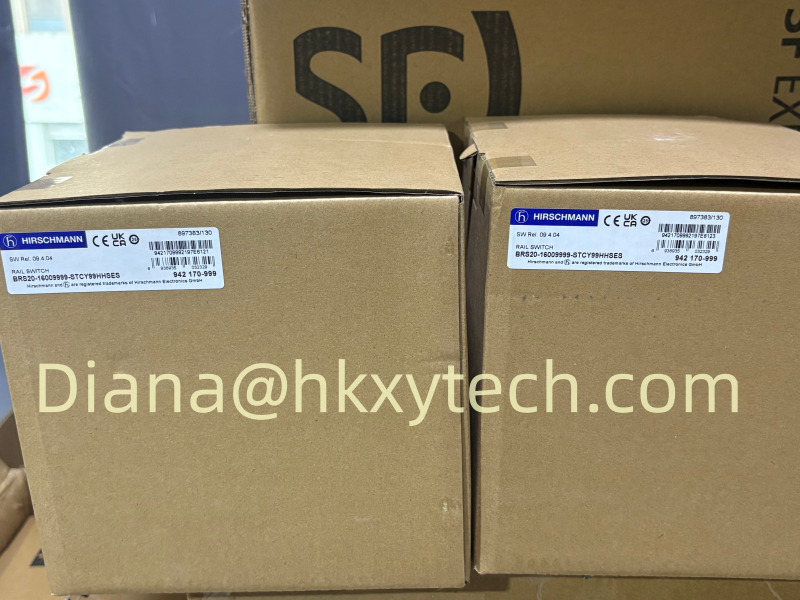
Combine the single-mode hardware and required security features in Hirschmann BRS20-1000S2S2-STCY99HHSEAXX.X.XX
Hirschmann BRS20-1000S2S2-STCY99HHSEAXX.X.XX is the Hirschmann BRS20-8TX/2FX-SM-2A BOBCAT managed DIN rail configuration with 8 10/100BASE-TX RJ45 ports and two fixed 100BASE-FX single-mode SC fiber interfaces. The catalog specifies an operating temperature range of 0 to +60 °C. Identify the unit by its complete Product code and part number 942170107 when planning an installation or requesting a repeat order. The interface arrangement, environmental values and documented software functions below define the selection more precisely than a family name alone.
Specify hardware compatibility and software behavior together
The SM-2A selection combines fixed single-mode SC optics with the expanded 2A function list. Review the optical requirements and the software requirements separately, then include both in the order specification. DHCP snooping, Dynamic ARP Inspection and IP Source Guard are documented functions for this configuration. Their use should follow the addressing plan and trusted network roles, with a defined route for authorized maintenance access. The optical interfaces operate at 100 Mbit/s and must match the intended fiber path and opposite equipment. The additional diagnostic list includes RSPAN, SFLOW and email notification. Select the monitoring functions that the site will actually use and verify the receiving systems during commissioning. Preserve the accepted optical records and security settings under the same full code. This makes a later replacement or repeat purchase easier to compare than separate requests for a generic fiber switch and an unspecified software feature set.
Include installation details in the equipment schedule
The manufacturer lists 73 mm x 138 mm x 115 mm enclosure dimensions, 500 g device weight and 8 W power consumption. The supply specification is 2 × 12–24 V DC. The PC-ABS enclosure is specified for DIN rail mounting and IP30 protection. Leave practical access to the connection area when arranging neighboring equipment. Check the manufacturer wiring instructions when selecting and connecting the DC supply, and record the arrangement where both inputs are used. Include connected cable space in the layout rather than reserving only the enclosure dimensions. Keeping the mechanical data and connection requirements beside the full code helps panel builders and maintenance staff work from the same equipment definition.
Technical specifications
| Brand | Hirschmann |
|---|---|
| Catalog Type | BRS20-8TX/2FX-SM-2A |
| Product code | BRS20-1000S2S2-STCY99HHSEAXX.X.XX |
| Part Number | 942170107 |
| Port Type and Quantity | 10 Ports in total: 8x 10/100BASE TX / RJ45; 2x 100Mbit/s fiber ; 1. Uplink: 1 x 100BASE-FX, SM-SC ; 2. Uplink: 1 x 100BASE-FX, SM-SC |
| Operating Voltage | 2 x 12 VDC ... 24 VDC |
| Power Consumption | 8 W |
| Operating temperature | 0 to +60 °C |
| Housing | PC-ABS |
| Dimensions (WxHxD) | 73 mm x 138 mm x 115 mm |
| Weight | 500 g |
| Mount Type | DIN Rail |
| IP Protection Rating | IP30 |
Hirschmann product reference image. The pictured model may differ from the specified configuration.
Commission the port roles with the actual equipment
Label the cable destinations before testing. Verify negotiated copper link speed and duplex settings against the equipment requirements, and check optical links separately where fitted. A link indication is one useful observation, but acceptance should also cover the communication that the machine or installation depends on. If redundancy is part of the design, test the configured behavior with the participating devices and retain the results. Identify spare interfaces in the final drawing rather than leaving their role ambiguous. This gives later service personnel a documented starting point when a connection or application changes.
What the receiving team should verify
Compare the delivered label with Hirschmann BRS20-1000S2S2-STCY99HHSEAXX.X.XX and part number 942170107. Check the supplied items against the accepted quotation, including separately listed accessories. Retain the manufacturer documents used by the installation team and identify the device location in the equipment register. Before putting the unit into routine service, confirm authorized management access and the communication required by the application. Keep the accepted configuration with the full product identity so a future replacement request has both the hardware reference and the settings associated with the installed network.
Monitoring a copper network across service visits
The management feature list includes HTTPS, SSHv2, SNMP v1/v2/v3 and LLDP, while diagnostics provide copper cable testing, link-speed and duplex monitoring, event logging and port mirroring. Choose which information the maintenance team needs and where it will be retained. A logged event is easier to interpret when port destinations and recent configuration changes are known. HIPER-Ring, MRP and RSTP support planned redundancy arrangements, subject to correct configuration across the network. Acceptance should confirm the selected arrangement rather than simply checking that all link LEDs are illuminated.
Configuration files belong with the machine documentation
The documented configuration tools include USB-C management support, XML-based configuration files and automatic configuration undo. Remote configuration backup when saving is also listed. Select the backup method used by the site and test the procedure during commissioning. Store the accepted file with the machine reference and the full switch code, and record later authorized changes. A file without a clear device association can be as difficult to use as a missing backup. Identify service accessories separately if the maintenance procedure depends on a particular cable or adapter. Keep a dated record of accepted configuration changes.
Manufacturer reference:
Hirschmann BRS20-8TX/2FX-SM-2A — official configuration details