Checking the RTD Input, Control Output and Panel Arrangement of Honeywell DC1010CR-111-000-E Before Replacing an Installed Controller
Honeywell DC1010CR-111-000-E is a DC1010 configuration from Honeywell’s DC1000 controller family. The manufacturer identifies DC1010 as a 1/16 DIN format and DC1010CR as an RTD-input controller. The remaining -111-000-E execution requires confirmation for the exact output, supply and option arrangement; those details should not be inferred from the front display alone.
Product references and application decisions
| Selection point | Confirmed detail or required review |
|---|---|
| Exact product | Honeywell DC1010CR-111-000-E |
| Controller family | Honeywell DC1000 / DC1010 |
| Format | 1/16 DIN; 48 x 48 mm family face format |
| Input prefix | DC1010CR: RTD input |
| Remaining options | Confirm -111-000-E execution |
| Application record | Retain sensor type, control action and alarm setup |
Follow the temperature signal into the panel
For Honeywell DC1010CR-111-000-E, identify the installed RTD and its connection arrangement before reviewing the controller settings. The displayed temperature depends on the correct input definition and wiring. Preserve the sensor information with the controller record so the replacement does not inherit an assumption that belongs to a different measurement point.
Output type is a separate purchase question
The complete Honeywell DC1010CR-111-000-E code must be checked for the required control-output arrangement. A relay-controlled load and another output interface can demand different hardware. Do not use the common face size as evidence of electrical equivalence; compare the offered execution with the actual panel drawing and connected equipment.
Retain operating action and alarm meaning
For Honeywell DC1010CR-111-000-E, record how the controller responds to an increasing temperature and what each alarm represents. Keep the existing setpoint and tuning information in context with the process. A controller can display a believable value while an incorrectly interpreted output or alarm still changes the machine behavior after replacement.
Review fit behind the front panel
- An inquiry for Honeywell DC1010CR-111-000-E should include available rear clearance, terminal access and the existing mounting arrangement.
- The front-panel format is only part of physical compatibility.
- Include any installation accessories required by the exact execution and distinguish them from parts that will be reused from the original panel.

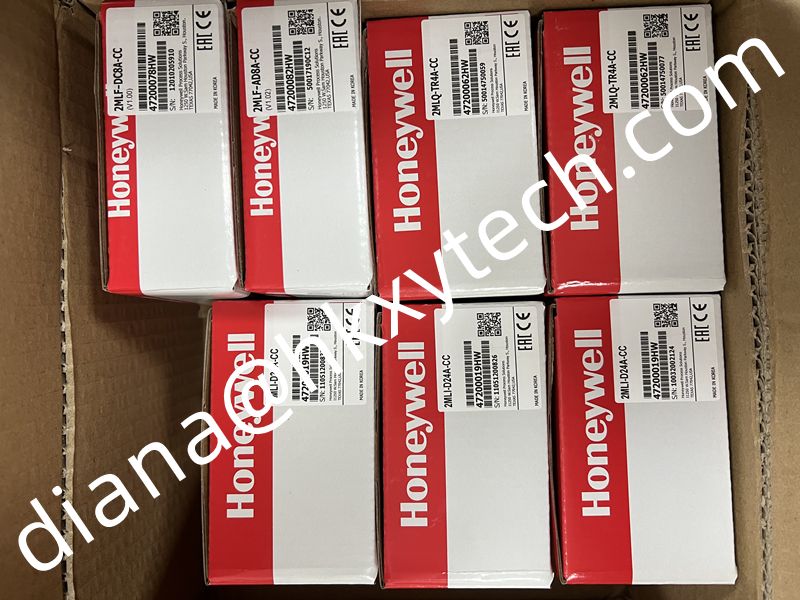
Shared reference image associated with the Honeywell DC1010CR-111-000-E request. Confirm the actual offered unit and included accessories from the quotation and product labels.
Prepare a settings-aware spare request
Request Honeywell DC1010CR-111-000-E with quantity, a readable label image and the control drawing. Ask the offer to identify the complete supplied code. For Honeywell DC1010CR-111-000-E, keep any unresolved supply or output detail visible before purchasing so the maintenance team does not have to resolve an avoidable configuration mismatch during a planned shutdown.
Document the restored control function
- After approved work on Honeywell DC1010CR-111-000-E, retain the final input definition, operating action and verification outcome with the equipment file.
- Record the actual unit supplied.
- This gives future troubleshooting a clear reference and helps identify whether a subsequent temperature-control problem follows a process change or a configuration difference.