Checking motor current, reset behaviour and direct mounting when specifying ABB TF140DU-142 for an existing motor starter
ABB TF140DU-142 belongs to the TF140DU thermal overload range. ABB lists a 110–142 A adjustment range and direct coupling with AF116 through AF146 contactors. The practical task is to match the motor and starter arrangement, then preserve the intended trip and reset behaviour in the control circuit.
Motor identification and the protection boundary
- The setting of ABB TF140DU-142 must be related to the motor and its connection, not chosen simply because it lies near the middle of the dial.
- Provide the motor nameplate, starter circuit and operating duty with the request.
- If several motors are involved, explain the arrangement.
- The protective function needs an engineering basis that remains available after the replacement has been installed.
- Use ABB TF140DU-142 within the approved starter and protection design.
- A thermal overload device and the short-circuit protective equipment perform different jobs, so their selection must be reviewed together.
- Ask the panel specialist to confirm coordination for the actual assembly.
- Avoid describing the relay as a complete solution to every electrical fault merely because the motor current falls within its adjustment range.
Overload relay selection record
| Review item | Documented value or confirmation needed |
|---|---|
| Relay reference | ABB TF140DU-142 |
| Manufacturer order code | 1SAZ431201R1004 |
| Adjustment range | 110–142 A |
| Trip class | 10A in the ABB catalogue |
| Direct coupling family | AF116–AF146 |
| Final setting | Determine from motor data and the applicable installation instructions |
Reset mode affects the operating sequence
Document whether ABB TF140DU-142 is expected to be reset manually or automatically and how the machine control prevents an unintended restart. The catalogue describes selectable reset behaviour, but the final choice belongs to the application.
Preserve the existing control narrative and the meaning of a trip indication. This is particularly useful when maintenance and operations teams share responsibility for returning the starter to service.
Fit the relay to the actual contactor
Before ordering ABB TF140DU-142, identify the full contactor reference and inspect the coupling arrangement shown in the assembly drawing. The AF116–AF146 family relationship is a starting point for this check. Include any separate-mounting accessories or reset linkage in the supply list. A shared product family does not establish that every accessory from another starter can be retained without review.
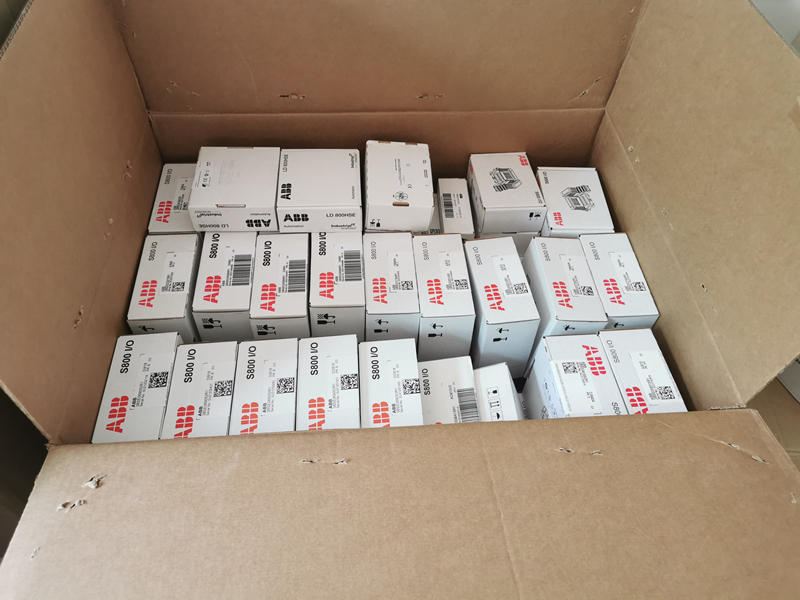
Reference image for ABB TF140DU-142; the shared illustration does not establish the delivered options or included accessories.
Use the trip history as procurement context
Repeated trips do not automatically mean ABB TF140DU-142 is defective or should be replaced with a higher setting. Record when trips occur, the measured operating current and the maintenance findings.
Give those observations to the responsible engineer. Keeping this information with the spare request helps prevent a purchasing change from masking an unresolved motor, load or connection problem.
Document the final starter condition
After an approved replacement, the maintenance record for ABB TF140DU-142 should include the selected setting, reset mode and functional check results. Compare TF140DU-135 or other range variants only where the motor requirements justify the difference. Request the exact relay code on the quotation and delivered label. A clear record allows the next spare order to repeat a verified decision instead of reconstructing it from memory.
Supporting document: product information used for this selection review.